Estoro.AI
One App.
Three Ways to Quote.
A quick quote on the spot, a site walkthrough turned into a quote with proof, or every room measured from the plans. One account and one set of projects, on the web and iPhone.
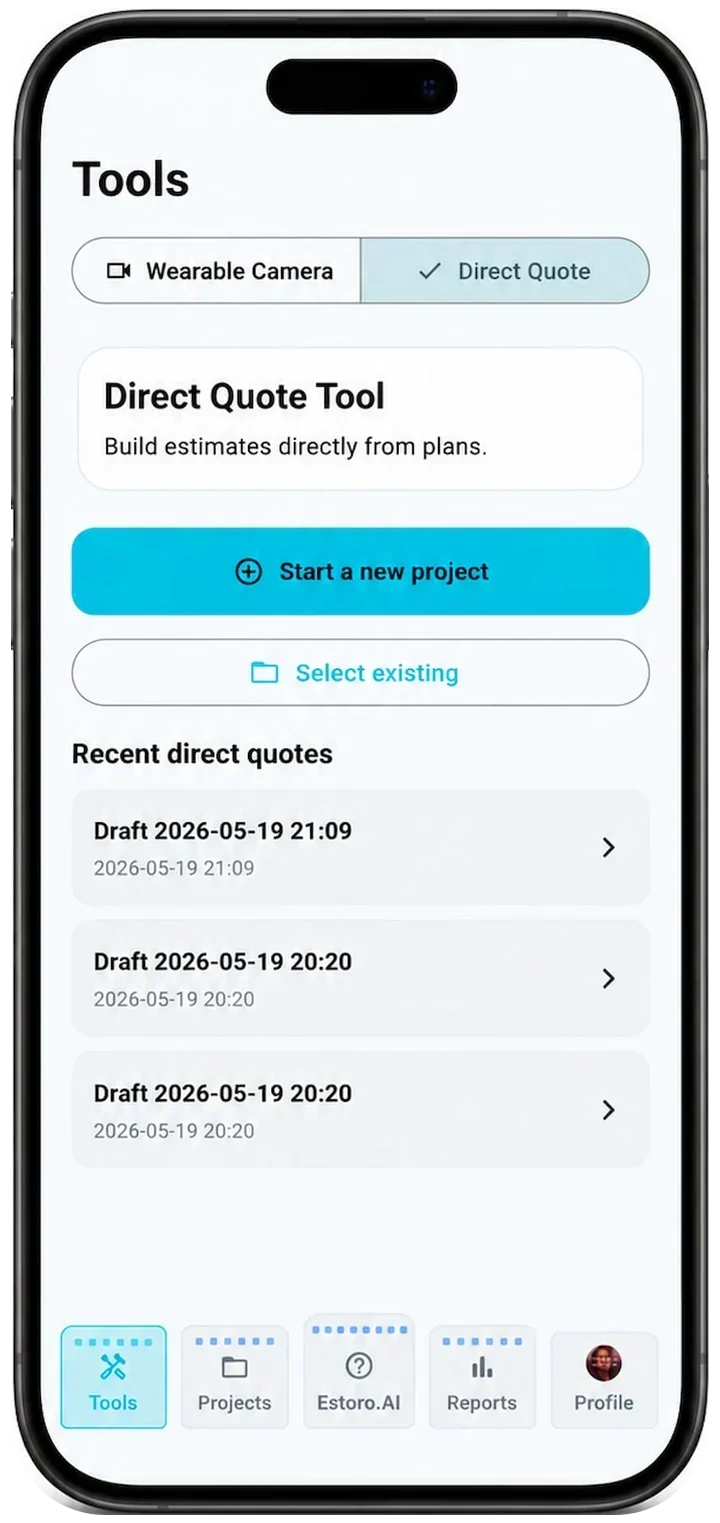
Direct Quote
A priced quote in minutes. Upload a plan or build the takeoff by hand, let AI autofill suggest rooms, finishes and quantities, then send a customer-ready PDF.
- Upload a plan (PDF or image), or build the takeoff by hand
- AI autofill suggests rooms, finishes and quantities
- Pricing with your finish systems
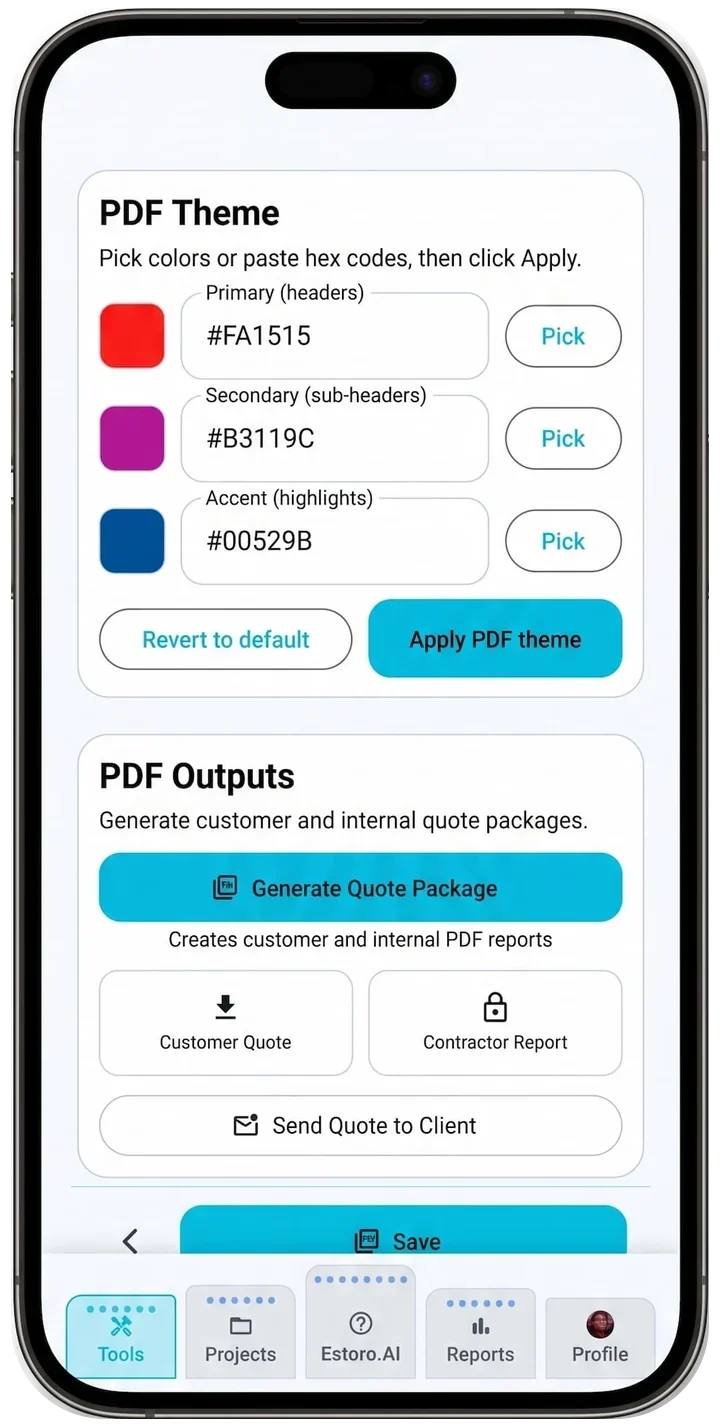
- A customer PDF and an internal PDF
- Scope of work and a project duration estimate
- Email the quote to your customer
Video → Quote with proof clips
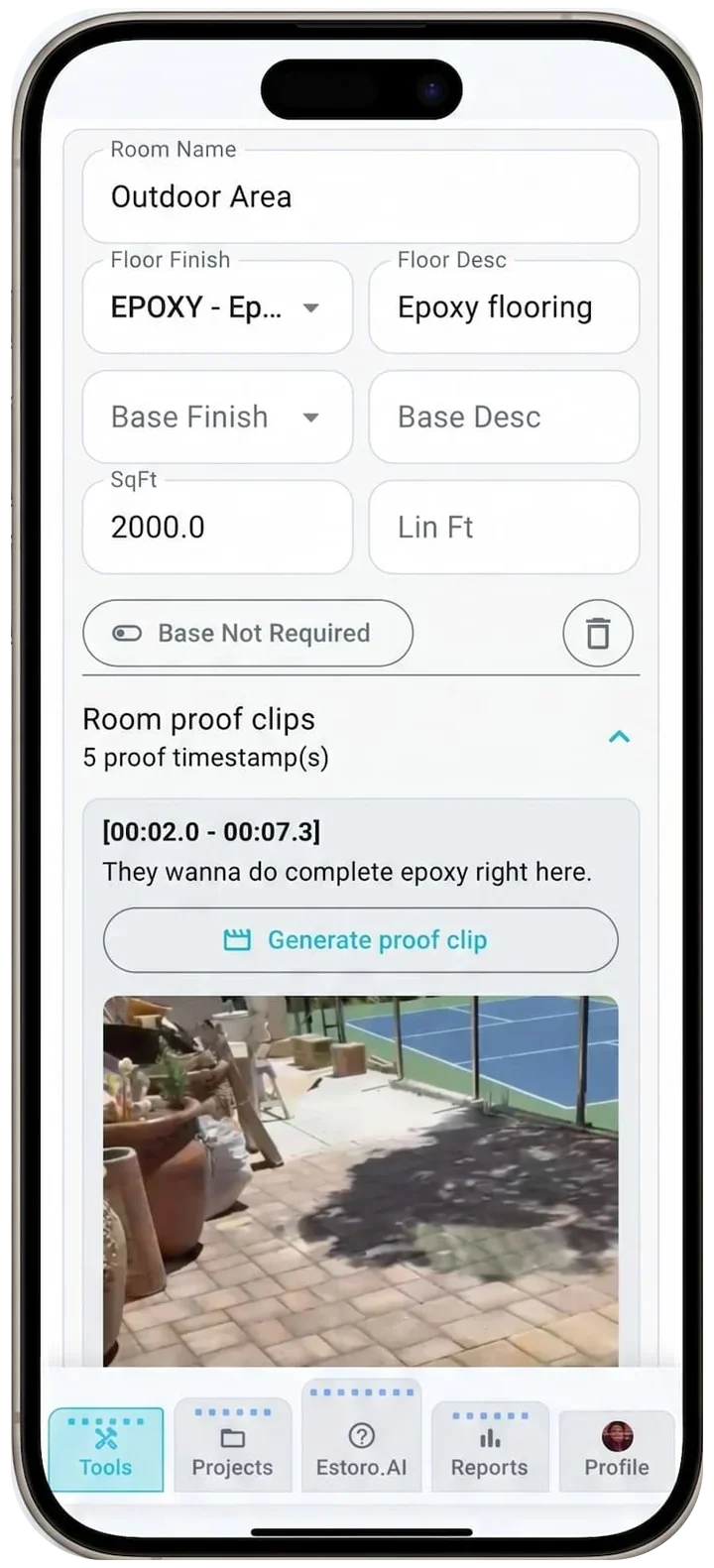
Walk the site and talk through the rooms. Estoro.AI turns the walkthrough into a quote where every line is backed by a proof clip from the video.
No other estimating tool turns a site video into a quote with proof. Every room, finish and transition on the quote links back to the moment in the walkthrough where it was seen or said, so you and your customer can check it.
Walk and talk
Film with a wearable camera or phone and talk through the rooms.
Estoro.AI extracts
The walkthrough is transcribed; rooms, finishes and transitions are pulled out.
Proof on every line
Each item carries a proof clip: a short video timestamp.
Plan Takeoff
Upload the plan set and every room is measured and matched to its finish from the plan's own legend. Check it, adjust it, and send it straight into the quote.
Plan Takeoff runs on the web, where you have a big screen. Takeoff projects open on the iPhone too, for pricing and quoting.
Open Plan TakeoffNine guided steps, from sheets to quote
Pages
Upload a plan set (PDF, up to 250 pages / 250 MB) and pick the finish-plan pages.
AI extraction
Room names, floor and base finishes, transitions, the drawing scale and notes are read from the sheets.
Legend
Check the finish codes and descriptions, and which ones are base.
Crop
Box just the floor plan on each page.
Scale
Confirm the scale read from the sheet, or calibrate it with a known length.
Room mask
Estoro.AI colours every room on the plan. Generate versions and pick the best.
Room shapes
Rooms become measured shapes with sq ft and lin ft. Split, add to room, move corners, draw, merge or delete, with one-key shortcuts and undo.
Room names
Each shape is matched to its room name; pick from a list where Estoro.AI is unsure.
Takeoff report
Room, finish, description and sq ft; base with door cut-offs; transitions, notes, summaries and charts. Export PDF or CSV, then Continue into the quote.
Everything around the tools
One Place for Every Job
Projects
Drafts and active jobs, in one list on the web and iPhone.
Teams
Share projects with team members. Seats depend on your plan.
Reports
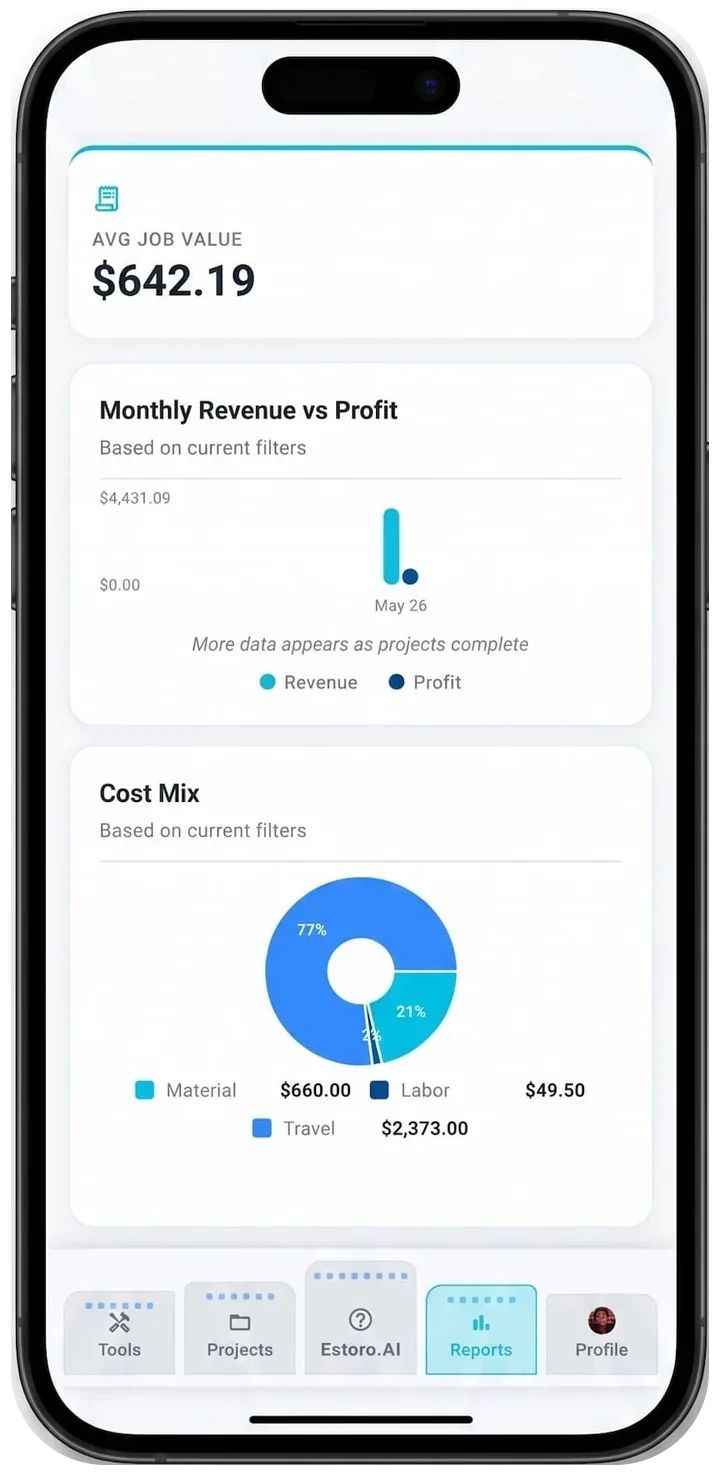
Portfolio and project financials, with PDF and CSV export.
Estoro.AI Help
An assistant that knows your projects.

Platforms
One Account, Web and Phone
Your projects, quotes and team follow you from the office to the job site.
AndroidComing Soon
The Android app is on its way. Until then, every tool runs in the web app.
Plans
Start Free. Upgrade When You Need To.
Current prices are shown in the app and on the App Store.
Pro
For the site walk
- Wearable Camera Tool
- AI auto-extract for plans and video
- Higher monthly AI usage
- 5 team seats
Pro+
For full plan sets
- Everything in Pro
- Plan Takeoff on the web
- 10 team seats
- Extended transcription minutes
- Highest AI usage
Stop Tracing. Start Estimating.
Open Estoro.AI on the web and send your first quote today.